

LivU
Fast
Safe
24/7
Instructions
Choose a LivU pack and check the amount before paying. Available options include 650 Coins, 1250 Coins.
How to top up LivU
- Select your pack.
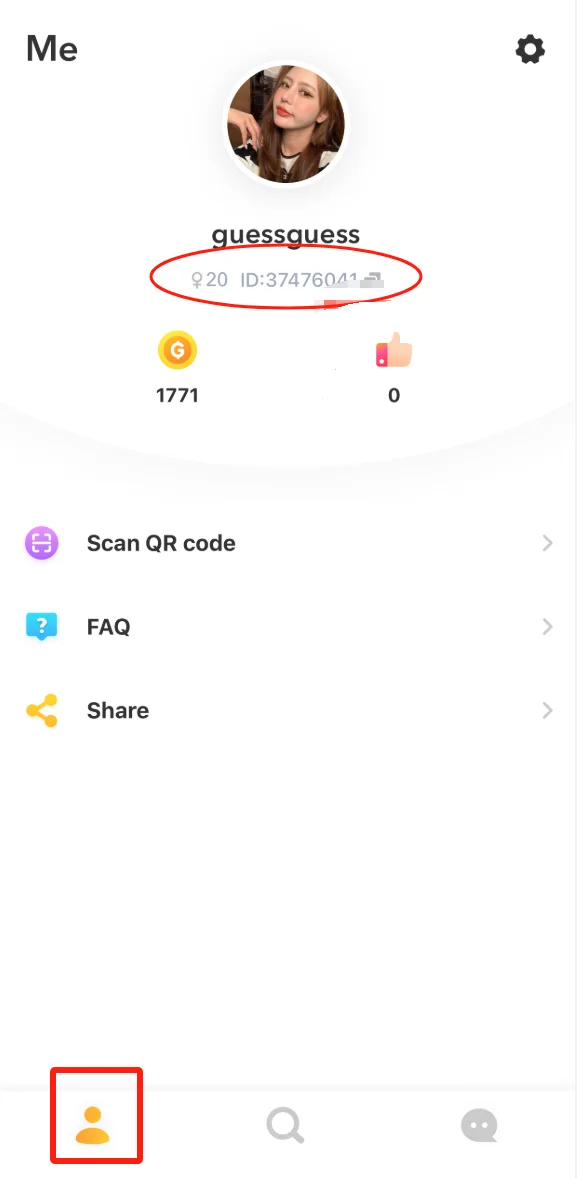
- Enter the account details shown in the order form for the LivU account you want to recharge.
- Check the recipient and total, then pay. You can track delivery in your PlayTopup orders.
Which packs can I buy?
+
Available options include 650 Coins, 1250 Coins. Check the pack name for the currency and quantity.
Where can I check delivery?
+
Open your PlayTopup order for its status, then check the balance on the recipient’s LivU account.